Minimal system requirements |
x86 compatible PC running WINDOWS or LINUX WINDOWS 107 or higher LINUX Ubuntu 24.04 or higher 8 GB RAM Minimum USB 2.0 High Speed |
Windows installation procedure
Find the Analyzer software installer file cmtvna-setup-X.X.X.exe in the shipped flash-drive or download it from www.coppermountaintech.com. Where X.X.X stands for version number.
Run the cmtvna-setup-X.X.X.exe installer file. Follow the instructions of the installation wizard.
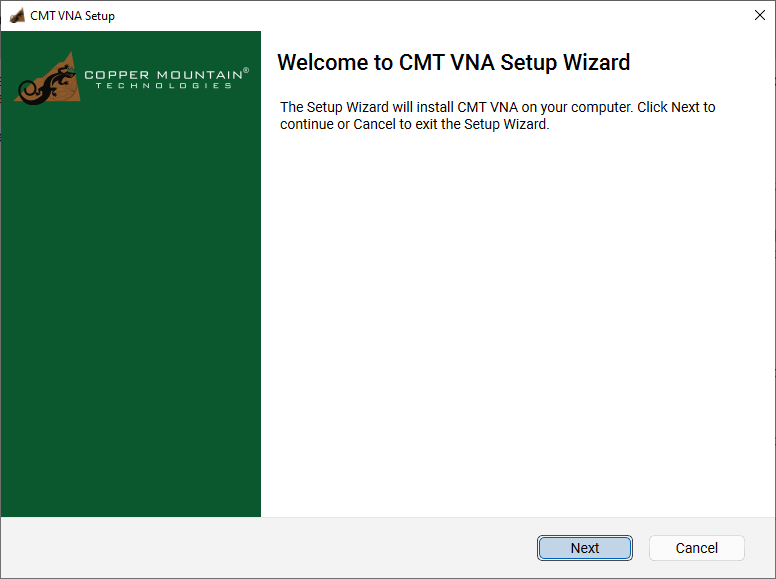
Installation wizard
MacOS installation procedure
Find the Analyzer software installer file cmtvna-setup-X.X.X.pkg in the shipped flash-drive or download it from www.coppermountaintech.com. Where X.X.X stands for version number.
Run the cmtvna-setup-X.X.X.pkg installer file. Follow the instructions of the installation wizard.
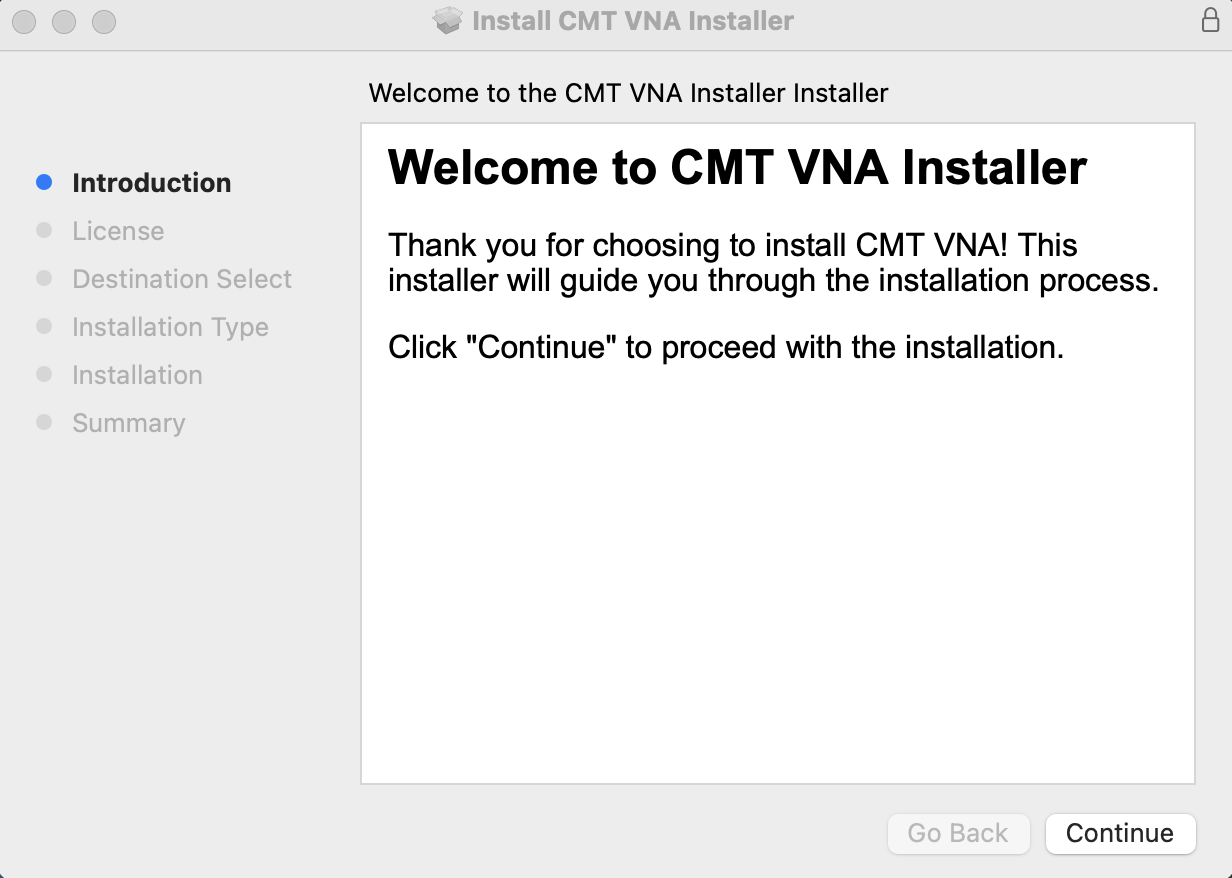
Installation wizard
Linux installation procedure (Example for Raspberry Pi OS based on Debian 13 Trixie)
1.Download the analyzer software file cmtvna-linux-aarch64.tar.gz for ARM based processer (cmtvna-linux-x86_64.tar.gz if processor is based on x86) from https://coppermountaintech.com.
2.Download the libicu74.2 source code from https://github.com/unicode-org/icu/archive/refs/tags/release-74-2.tar.gz and extract this file.
3.In the extracted content, go to /icu4c/source and run these lines to compile the libicu74:
./runConfigureICU Linux --prefix=/opt/icu74 make -j$(nproc) sudo make install |
Operating and Programming manual is the same as for the Windows application. Download it from www.coppermountaintech.com.
4. Create the USB rules for CMT VNAs by running:
sudo ./install_vna_rules.sh |
When running CMTVNA, run these lines:
export LD_LIBRARY_PATH=/opt/icu74/lib:$LD_LIBRARY_PATH ./cmtvna |
