Connection Setup
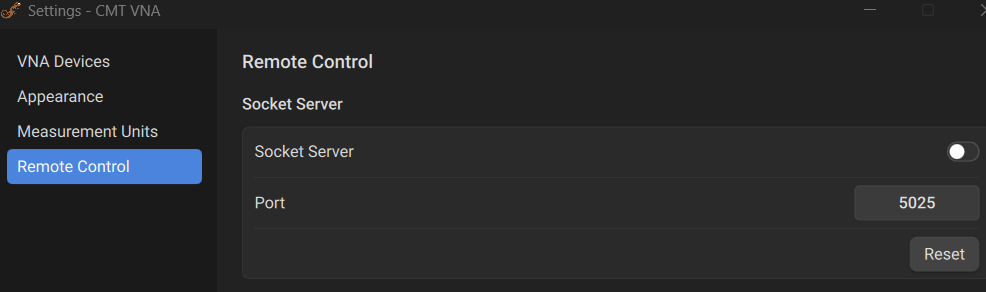
To enable remote control of the Analyzer, turn on the Socket server by navigating to Settings > Remote Control > Socket Server. Use the toggle to turn ON/OFF the Socket server. If needed, adjust the port number in the Port textbox.